Organize Your Tech: Diy Solutions for Cable Management
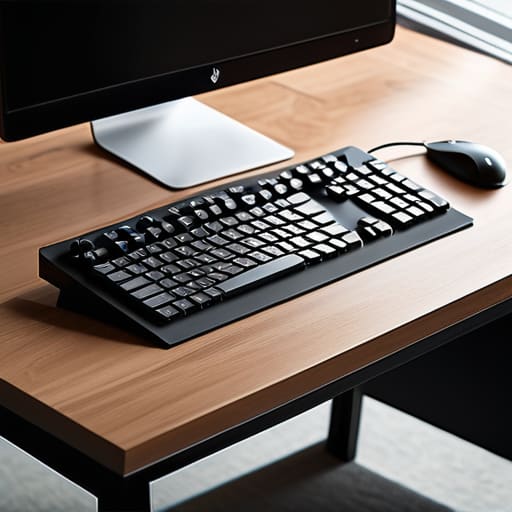
I was sitting on my floor last Tuesday, trying to reach for a fallen pen, when I realized I was actually just wrestling with a massive, dusty bird’s nest of black cords behind my desk. It wasn’t just an eyesore; it was a physical manifestation of my mental clutter. We often tell ourselves that a little bit of cord chaos is just the “price of technology,” but that is a total lie. That tangled mess is a constant, low-grade stressor that drains your focus without you even realizing it. I’ve spent years learning that a little bit of cable management diy isn’t about achieving some sterile, futuristic showroom look; it’s about reclaiming your headspace and making your environment actually work for you instead of against you.
In this guide, I’m skipping the expensive, over-engineered gadgets you see in glossy magazines and focusing on what actually sticks. I’ll walk you through the low-cost, high-impact tools I use in my own home—from simple zip ties to clever mounting tricks—to get those wires under control once and for all. We aren’t going to overcomplicate this; we are just going to get it done so you can finally stop staring at the mess and start enjoying your space.
Table of Contents
Guide Overview
Tools & Supplies
- Scissors or wire cutters for trimming ties
- Label maker or masking tape for identification
- Velcro cable ties (1 pack)
- Cable management sleeves or raceways (2-3 units)
- Adhesive cable clips (1 pack)
- Power strip/Surge protector (1 unit)
Step-by-Step Instructions
- 1. First things first, you need to unplug everything. I know, it sounds like a massive chore, but you can’t organize a mess if you’re just moving the tangles around. Pull every single cord out from behind the desk or TV and lay them out on the floor. This is your chance to see exactly what you’re working with and, more importantly, to identify the culprits—those old chargers or mystery cables for devices you haven’t used since 2014. If you don’t need it, toss it in a junk drawer or recycle it.
- 2. Grab a roll of masking tape and a Sharpie, and it’s time to label every single cord. This is the step most people skip, but trust me, it’s a lifesaver when you inevitably need to unplug just the printer and not the whole workstation. Wrap a small piece of tape around the end of the cord near the plug and write exactly what it belongs to. It takes five minutes now, but it will save you hours of frustration down the road.
- 3. Now, let’s get organized with some basic supplies. You don’t need to spend a fortune at a big-box store; a simple pack of velcro cable ties is much better than those plastic zip ties. Zip ties are permanent and a nightmare if you decide to move your monitor a few inches to the left, whereas velcro is forgiving and reusable. Gather your ties, some command hooks, and maybe a few cable sleeves if you’re dealing with a particularly heavy-duty setup.
- 4. Once you have your supplies, start grouping the cables together. Instead of having ten individual lines running to the floor, bundle them into one neat trunk using your velcro ties. I like to keep the bundles tight but not so tight that you’re crimping the internal wires. If you have a desk with a hollow leg or a frame, use those command hooks to route the bundle along the underside of the surface so nothing is dangling in mid-air.
- 5. Tackle the power strip next. If it’s sitting in a heap on the floor, it’s just collecting dust and making it impossible to vacuum. I usually use a mounting strip or a cable management box to get that power strip off the ground and tucked away. If you can mount it to the underside of your desk or even the back of a heavy piece of furniture, you’ve effectively hidden the chaos from view.
- 6. Finally, do a quick “tug test” and a visual sweep. Plug everything back in, one by one, and make sure your labels are visible and your bundles are secure. Take a moment to look at the space—it should feel significantly lighter and more intentional. If there’s still a stray wire peeking out, don’t ignore it; tuck it away now so you don’t have to deal with it again next week.
Tame Your Tech With a Diy Cable Organizer for Home Office
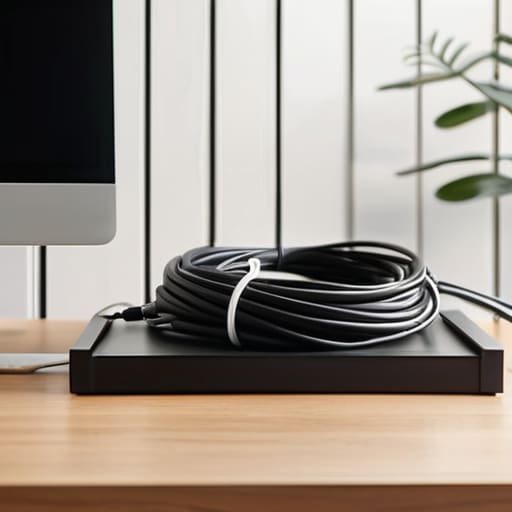
If you’re like me, your home office probably started as a clean corner of the dining room and slowly morphed into a tangled nest of chargers and power strips. It’s a mental drain I can’t emphasize enough. When I finally sat down to tackle my own workspace, I realized that the secret isn’t just hiding the mess; it’s about accessibility. Instead of just shoving everything behind the desk, I started using velcro straps for cable organization to bundle cords into neat, manageable groups. Unlike those flimsy plastic ties, velcro is a lifesaver because it allows you to add or swap a device without having to cut anything off and start from scratch.
For those of you working with more heavy-duty setups, looking into under desk cable management solutions can be a total game-changer. I personally love mounting a simple wire basket or even a sturdy wooden tray to the underside of my desk. This keeps the floor clear and stops that “dust bunny magnet” effect that happens when wires sit on the ground. It’s one of those small, intentional wins that makes your workspace feel like a professional studio rather than a cluttered storage unit.
Simple Cord Management Hacks for Gaming Setup Success
If you’re like me, a gaming setup can quickly turn into a “spaghetti monster” of wires once you add the headset, controller chargers, and multiple monitors. It’s frustrating because you can’t focus on the game when you’re staring at a visual mess. My favorite cord management hacks for gaming setup success involve tackling the chaos from the floor up. First, get those power strips off the carpet. I usually mount them to the underside of my desk using heavy-duty command strips or a dedicated tray. This keeps the floor clear and prevents that annoying buildup of dust and pet hair around your plugs.
Once the heavy lifting is done, it’s all about the fine details. I’ve learned that using velcro straps for cable organization is a total game-changer compared to those flimsy plastic zip ties. With velcro, if you decide to swap out your mouse or add a new peripheral, you aren’t stuck cutting through plastic and potentially nicking a wire. Just bundle the excess length, tuck it away, and suddenly your setup looks intentional rather than accidental. It’s a small win, but it makes a massive difference in your headspace.
Five Quick Wins to Keep the Chaos at Bay

- Label both ends of every cord using a piece of masking tape or a label maker; there is nothing more frustrating than unplugging the wrong device when you’re in a hurry.
- Use those plastic command hooks or adhesive clips along the back of your desk to keep charging cables from sliding onto the floor every time you unplug your phone.
- Invest in a few inexpensive Velcro cable ties instead of plastic zip ties—they’re much easier to undo when you inevitably decide to rearrange your setup next month.
- Mount a power strip to the underside of your desk using heavy-duty mounting tape to get those bulky plugs completely out of your line of sight.
- Group your wires into “bundles” using split loom tubing or even just some simple mesh sleeving to turn a bird’s nest of cords into a single, manageable line.
The Bottom Line on Taming Your Tech
Don’t wait for the “perfect” time to organize; grab some zip ties or velcro strips today and tackle just one corner of your desk to see immediate relief.
Prioritize accessibility by grouping your cords logically—if you’re constantly unplugging things, make sure those cables aren’t buried under a mountain of permanent fasteners.
Focus on the mental win, not just the aesthetic; a clear, cord-free space isn’t about looking like a catalog, it’s about removing the visual clutter that drains your focus.
Taming the Tangled Mess
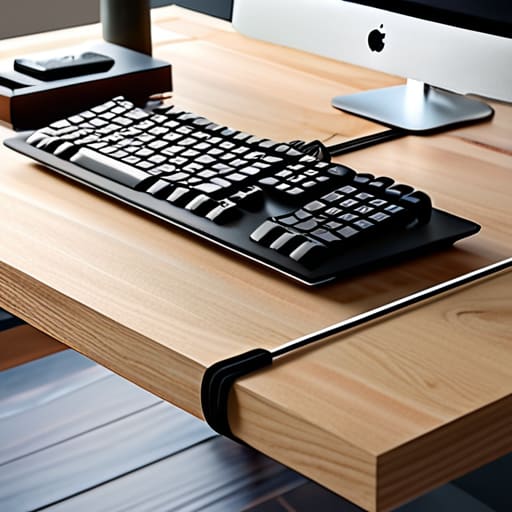
At the end of the day, whether you’re building a custom organizer for your home office or just using a few quick zip ties to clean up your gaming rig, the goal remains the same: removing the visual noise. We’ve covered everything from the heavy lifting of DIY builds to those small, low-effort hacks that make an immediate difference. It isn’t about achieving some impossible, magazine-perfect aesthetic; it’s about making sure you aren’t fighting your own equipment every time you need to plug something in. Once you’ve tackled the main clusters and labeled your cords, you’ll realize that organized tech actually makes your space feel significantly larger and much more intentional.
I know that looking at a “rat’s nest” of wires can feel overwhelming, especially when you have a million other things on your to-do list. But I promise you, once you take that first step and secure just one power strip, the momentum will carry you through. Don’t feel like you have to redo your entire house in a single afternoon. Just pick one corner, grab your toolkit, and get it done. You’ll be amazed at how much lighter your mental load feels when you aren’t constantly stepping over a stray cord or hunting for a charger in a pile of chaos. You’ve got this.
Frequently Asked Questions
I don't want to drill holes in my furniture—are there any good damage-free ways to hide cords?
I hear you—the last thing anyone wants is a permanent hole in a nice piece of furniture. If you’re renting or just protective of your desk, skip the drill. I swear by heavy-duty command clips or adhesive cable raceways; they stick firmly but peel off when you’re done. You can also use weighted cable holders that sit right on top of your surface. It keeps things tidy without the commitment of hardware.
How do I keep track of which plug goes to which device without spending an hour labeling everything?
Look, I don’t have the patience for a labeling marathon either. If you want to avoid the “which cord is this?” guessing game, grab a pack of colored electrical tape or even some inexpensive colored bread ties. Wrap a small strip around the base of each plug—blue for the monitor, red for the printer, you get the idea. It takes seconds, it’s visual, and it saves you from a headache next time you need to reset something.
Is it actually safe to bundle these power strips together, or am I creating a fire hazard?
That is a fantastic question, and honestly, it’s one I’ve asked myself a dozen times while staring at a mess of wires. Here’s the straight talk: bundling cords is fine, but don’t go overboard. The danger isn’t the bundle itself; it’s the heat. If you wrap too many high-draw power strips together in a tight nest, they can’t dissipate heat, which is a real fire risk. Keep things breathable and never daisy-chain strips together.