Designing a Productive Home Office You’ll Enjoy
I’ve spent enough years staring at a pile of tangled charging cables and half-empty coffee mugs to know that a cluttered workspace isn’t just an eyesore—it’s a mental drain. When I first transitioned to freelance consulting, I thought I could just slap a laptop on the dining room table and call it a day, but I quickly learned that without intentional home office setup ideas, my productivity was the first thing to go out the window. You can’t expect to tackle a complex project when you’re constantly fighting against a desk that feels more like a junk drawer than a command center.
I’m not here to tell you to go out and buy a thousand-dollar ergonomic throne or redesign your entire floor plan. Instead, I want to share five practical, low-fuss essentials that I’ve used to turn my own chaotic corners into functional sanctuaries. These aren’t just fancy gadgets; they are the small, strategic wins that will help you reclaim your focus and finally get your work done without the constant background noise of disorganization. Let’s get into it.
Table of Contents
Clear the Visual Noise
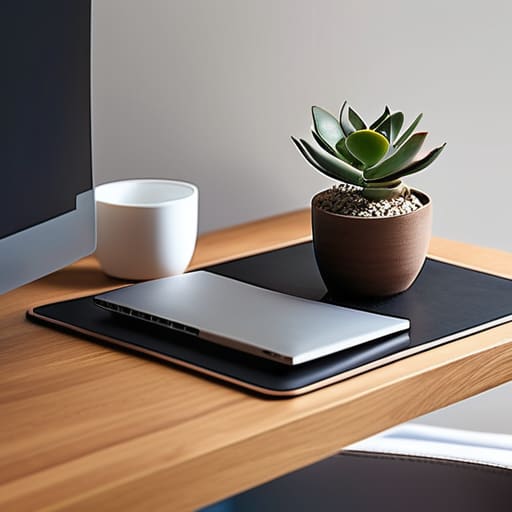
One of the biggest mistakes I see people make is treating their desk like a junk drawer. If you have old coffee mugs, loose receipts, and tangled charging cables scattered everywhere, you aren’t just looking at a mess—you’re looking at cognitive overload. Every time your eyes dart to a piece of clutter, your brain has to process it, which eats away at your ability to focus on the actual task at hand.
Prioritize Ergonomics Over Aesthetics
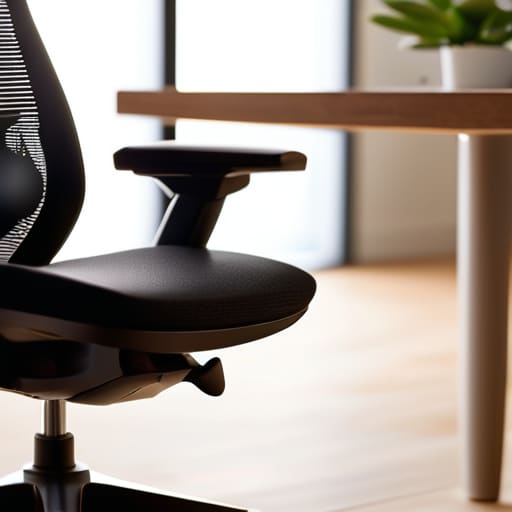
I get it—a sleek, mid-century modern chair looks incredible in a staged photo, but if it leaves you with a throbbing lower back by 3:00 PM, it’s a total failure. You can spend all day decorating your workspace, but if your body is screaming at you, your productivity is going to tank. Don’t let a pretty setup become a physical liability.
Zone Your Lighting
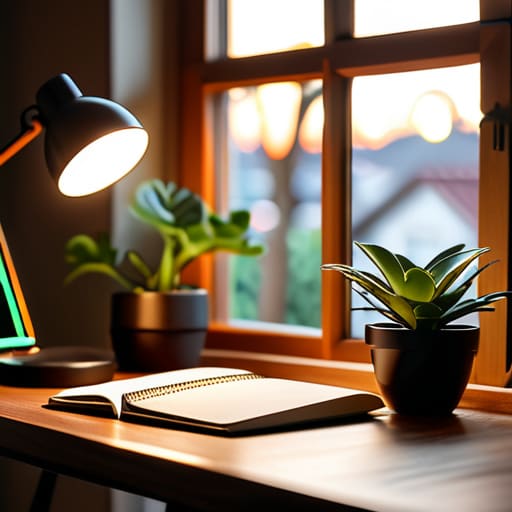
Most people rely on that single, harsh overhead light that makes everything feel like a sterile hospital wing. That’s a recipe for eye strain and a massive afternoon slump. To create a space where you can actually sustain focus, you need to layer your lighting. Natural light is the gold standard, so if you can, position your desk near a window.
Tame the Cord Chaos
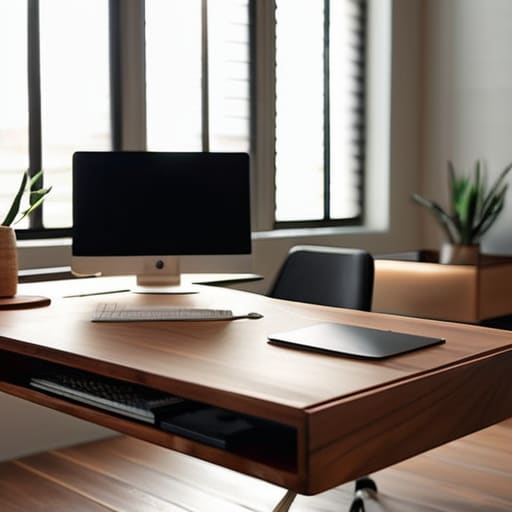
There is nothing quite as demoralizing as looking down and seeing a “spaghetti monster” of black cables snaking across your floor. It looks chaotic, it gathers dust like crazy, and it’s a constant tripping hazard. I spent years ignoring this in my old corporate cubicle, but once I transitioned to working from home, I realized that cable management is non-negotiable for a calm mind.
Create a Digital Boundary
Since my office is often just a corner of my living room or a spare bedroom, the lines between “work time” and “home time” can get incredibly blurry. If your laptop is sitting open on the dining table at 9:00 PM, your brain never truly gets to clock out. You need a way to physically and mentally signal that the workday is over.
The Bottom Line
Stop waiting for the “perfect” setup to arrive; start with what you have, clear the surface clutter, and build your workspace around how you actually work.
Prioritize ergonomics and organization over aesthetics—a pretty desk is useless if your back aches or you can’t find a pen when you need it.
Treat your workspace like a living system that needs regular maintenance, not a one-time project you can just set and forget.
Final Thoughts on Your New Workspace
At the end of the day, setting up a home office isn’t about buying every gadget on a Pinterest board or recreating a high-end corporate suite in your spare bedroom. It’s about the fundamentals: getting your lighting right, reclaiming your desk from the clutter, and ensuring your chair doesn’t leave you with a backache by 3:00 PM. Whether you’re investing in a heavy-duty filing system or just finally clearing off that stack of mail, the goal is to minimize the friction between you and your work. When you stop fighting your environment and start organizing it, you stop wasting mental energy on the chaos and start putting it back into your actual tasks.
I know how it feels to look at a messy corner of the house and feel completely overwhelmed by the sheer amount of “stuff” involved. But remember, you don’t have to fix everything in a single afternoon. Start with one small win—maybe it’s just a single drawer or a better lamp—and build from there. A functional workspace is a marathon, not a sprint, and every little tweak you make is an investment in your own sanity and productivity. So, grab your notebook, pick one thing from this list, and just get it done. You’ve got this.
Frequently Asked Questions
I live in a tiny studio apartment; how can I create a dedicated workspace without it taking over my entire living area?
Look, I’ve been there—trying to work from a kitchen table while your laundry stares you down is a recipe for burnout. In a studio, you have to embrace verticality and visual boundaries. Use a small floating desk or a slim console table to save floor space, and more importantly, use a rug or a folding screen to “wall off” your work zone. When the laptop shuts, the office is closed.
What are some budget-friendly ways to make a makeshift desk feel more like a professional command center?
If you’re working off a folding table or a repurposed dining leaf, you don’t need a massive budget—you just need intentionality. Start by ditching the clutter; a single, decent desk lamp and a dedicated tray for your pens and notebooks will instantly signal to your brain that “work mode” has begun. Throw a simple linen runner over a mismatched surface to hide the cheap finish, and grab a sturdy, ergonomic chair. It’s about creating boundaries, not buying expensive furniture.
How do I manage all the tangled cords and charging cables without turning my desk into a literal bird's nest?
Look, I’ve been there—staring at a “nest” of black cables and feeling my blood pressure rise. The trick isn’t buying expensive gadgets; it’s about containment. Grab some Velcro cable ties (skip the plastic zip ties, they’re a pain to change later) to bundle your cords together. Then, use a simple cable management box under your desk to hide the power strip. If you can see the mess, your brain stays cluttered. Hide the wires, clear your head.